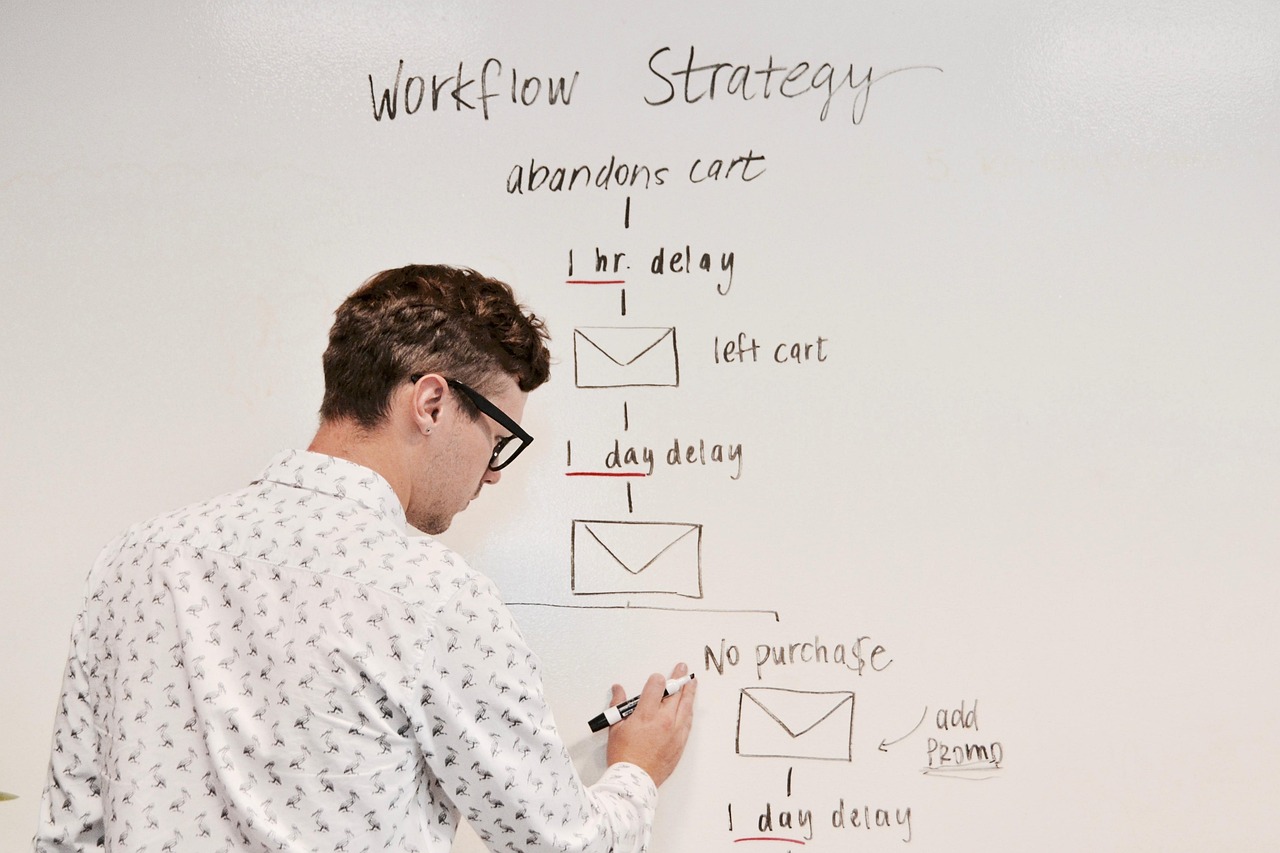
automation creator workflow automation
Creator workflows are broken. Content teams spend 60-80% of their time on repetitive manual tasks—uploading files, copying text across platforms, waiting for approvals, and reformatting assets. Meanwhile, engineering teams build one-off scripts that break when requirements change.
What if you could replace these fragile, manual processes with code-first automation templates that version, test, and deploy like any other software? This guide shows you exactly how to build reusable workflow automation using a systematic, developer-friendly approach.
By the end, you'll have runnable templates that turn hours of manual work into 5-minute deployments.
[Try the Starter Templates — Deploy a Creator Workflow in 5 Minutes →]()
The Creator Workflow Problem: Six Pain Points Killing Productivity
Most creator operations suffer from the same recurring bottlenecks:
• Manual content ingestion — Upload, rename, tag, and organize files across 3-5 different tools • Inconsistent multi-channel publishing — Copy-paste content with slight variations, leading to formatting errors and missed platforms • Asset transformation chaos — Resize images, compress videos, generate captions manually for each piece of content • Approval workflow silos — Email threads, Slack messages, and spreadsheet tracking with zero visibility into status • Zero observability — When something breaks, nobody knows until a creator complains • No version control — Changes to workflows require rebuilding everything from scratch
Real-world impact: Teams report 15-25 hours per week lost to these manual steps, 40% higher error rates, and 3-day delays on time-sensitive content.
Why Code-First Automation Beats GUI-Only Tools
Traditional automation platforms work for simple triggers, but creator workflows need:
- Version control — Git-based workflow definitions that you can diff, branch, and roll back
- Testing & CI/CD — Automated tests for workflow logic and integration pipelines
- Reusability — Template libraries that teams can fork, customize, and share
- Complex orchestration — Conditional logic, error handling, and parallel execution
- Team collaboration — Code reviews, documentation, and shared debugging
GUI-only tools lock you into their interface and make complex workflows impossible to maintain at scale.
Solution Overview: Template-Driven Workflow Automation
The architecture is straightforward:
Triggers (webhook, schedule, file upload) → Orchestrator (your code-tool) → Actions (API calls, transformations, notifications) → Observability (logs, metrics, alerts)
One-line value proposition: Reusable workflow templates + one-click deployment = 10x faster automation with built-in reliability.
Your workflow definitions live in Git as code. Changes go through review. Deployments are automated. Teams can clone proven templates and customize them without starting from zero.
Step-by-Step Implementation
1) Audit & Map Your Current Workflow
Document every manual step in your highest-volume creator workflow:
“` Example mapping:
- Creator uploads video → Google Drive folder
- Editor downloads, reviews, adds notes → Notion page
- Designer creates thumbnail → Figma → exports PNG
- VA schedules posts → 4 different social platforms
- Analytics team tracks performance → manual spreadsheet
“`
Deliverable: Workflow map + list of all repeatable steps with time estimates.
2) Identify Atomic Actions
Break each step into small, testable actions with clear inputs/outputs:
“`yaml action: resize_image input: {file_path, target_width, target_height} output: {resized_file_path, dimensions, file_size}
action: schedule_social_post input: {content, platform, schedule_time, media_urls} output: {post_id, scheduled_time, platform_response} “`
Deliverable: Action inventory with input/output schemas for each step.
3) Build Workflow Templates
Create reusable template files that define the entire workflow:
“`yaml
video-publishing-workflow.yml
name: "Video Publishing Pipeline" triggers:
- google_drive_upload: "/creators/pending"
steps:
- action: extract_metadata
input: ${trigger.file_path}
- action: generate_thumbnail
input: ${steps.extract_metadata.video_path}
- action: schedule_posts
input: platforms: ["youtube", "tiktok", "instagram"] content: ${steps.extract_metadata.description} media: ${steps.generate_thumbnail.thumbnail_path} “`
Deliverable: Template repository with 3-5 common creator workflows ready to deploy.
4) Orchestrate with Your Code-Tool
Deploy and run your templates using a lightweight orchestrator:
“`bash
Install the orchestrator
npm install -g creator-automation-cli
Deploy a template
creator-auto deploy video-publishing-workflow.yml
Test locally
creator-auto run video-publishing-workflow.yml –test-data sample.json “`
Deliverable: Working orchestrator setup + sample deployment commands.
5) Add Testing and CI Integration
Build confidence with automated testing:
“`yaml
test-config.yml
test_cases:
- name: "video upload happy path"
input: {file: "sample-video.mp4", metadata: {…}} expected_outputs: [thumbnail_created, posts_scheduled]
- name: "invalid file format"
input: {file: "document.pdf"} expected_error: "unsupported_format" “`
Deliverable: Test suite + CI pipeline configuration for automatic validation.
6) Add Observability & Rollback
Monitor workflow health and enable quick recovery:
“javascript // Auto-generated logging console.log(Workflow: video-publishing | Step: generate_thumbnail | Status: success | Duration: 2.3s`)
// Rollback capability creator-auto rollback video-publishing-workflow –to-version 1.2.0 “`
Deliverable: Logging configuration + rollback procedures for production workflows.
Case Study: Video Publishing Automation
Before: Content creator uploads a video. Editor manually downloads, reviews, creates thumbnail in Photoshop, writes captions, schedules posts across 4 platforms, and updates tracking spreadsheet. Total time: 45 minutes per video.
After: Creator uploads to designated folder. Automation triggers, extracts metadata, generates AI captions, creates thumbnails in 3 sizes, schedules optimized posts across platforms, and logs everything to analytics dashboard. Total time: 3 minutes (mostly upload time).
Results:
- Time saved: 42 minutes per video × 20 videos/week = 14 hours/week
- Error reduction: 90% fewer formatting mistakes and missed platforms
- Consistency: 100% compliance with brand guidelines via templates
[View the complete template and run it locally →]()
Common Pitfalls & Quick Fixes
Over-automation: Don't automate every small task. Focus on high-volume, error-prone steps first. Fix: Start with workflows that take >10 minutes and happen >3x per week.
Brittle dependencies: External API changes break workflows without warning. Fix: Add health checks and fallback actions to your templates.
Missing idempotency: Re-running workflows creates duplicate posts or overwrites data. Fix: Add unique identifiers and "already processed" checks to each step.
How to Measure Success: Key Performance Indicators
Track these metrics to
Why This Topic Matters
If this is the part you are comparing right now, best creator workflow automation is worth opening next because it fills in a closely related category or tag perspective. People usually search for automation creator workflow automation when they want a practical answer they can apply quickly, not a broad theory dump. The most useful article is the one that clarifies the decision, shows a few realistic options, and helps the reader make the next move with less hesitation.

Pre-Publish Checklist
- Make sure the article answers the main question behind automation creator workflow automation within the first few paragraphs.
- Add one concrete example, number, or scenario so the advice does not stay abstract.
- Trim repeated sentences and keep each section focused on one decision or action.
- Match the CTA to the reader stage instead of forcing a sales jump too early.
- Double-check that the headline, image, and conclusion all point to the same promise.
FAQ
What is the fastest way to approach automation creator workflow automation?
Start with the smallest version that solves one clear problem, then improve the offer or workflow after you see how people respond.
How detailed should the first version be for automation creator workflow automation?
Detailed enough to create a result, but not so broad that it becomes hard to maintain. A narrower first version usually converts better.
When should I connect automation creator workflow automation to an offer?
Usually after the reader understands the options and can see where the offer saves time, reduces confusion, or shortens setup.
Read Next
If you want the next decision to feel easier, these related posts usually work well together with the article above.
- compare creator workflow automation : it fills in a closely related category or tag perspective.
- cost creator workflow automation : it fills in a closely related category or tag perspective.
Next Step
If automation creator workflow automation is part of a repeated workflow, try attaching it to one small tool or script first. A narrow automation that works consistently is usually more valuable than a broad setup that stays half-finished.
Featured image sourced from Pixabay. Image by Campaign_Creators on Pixabay.
답글 남기기