
cost wordpress automation
Does your WordPress maintenance bill keep growing? Are you spending hours on repetitive tasks like deployments, backups, and updates while your hosting costs spike unpredictably? You're not alone. The hidden costs of running WordPress at scale can quickly spiral from a few hundred dollars per month to thousands—especially when you factor in developer time, premium plugins, and the constant need for security monitoring.
The promise of WordPress automation is real: streamlined workflows, reduced manual errors, and more time for strategic work. But most solutions come with their own cost traps—expensive SaaS subscriptions, complex plugin ecosystems, or custom development that takes months to build and maintain.
In this guide, we'll break down the true costs of WordPress maintenance, compare automation options, and show you how to implement a cost-effective code-based solution that can cut your monthly expenses by 40-60% while improving reliability. By the end, you'll have a ready-to-run tool and a clear ROI framework to measure your savings.
The Real Cost Breakdown: Where Your Money Goes
Let's start with numbers. A typical small business WordPress site costs between $200-800 monthly to maintain properly. Here's where that money goes:
Direct Costs (The Obvious Ones)
- Premium plugins: $15-50/month per plugin (backup, security, SEO, caching)
- Managed hosting: $25-200/month depending on traffic and features
- Developer maintenance: 5-15 hours/month at $50-150/hour
- SaaS integrations: $20-100/month for monitoring, CDN, email services
- SSL certificates and security tools: $10-30/month
Indirect Costs (The Hidden Killers)
- Downtime: Average $5,600 per hour for small businesses
- Manual deployment errors: 2-4 hours recovery time per incident
- Update conflicts: 3-8 hours troubleshooting when plugins break
- Opportunity cost: Features delayed while maintaining existing infrastructure
Real Example: A digital agency managing 12 client sites spends $3,200/month on hosting and plugins, plus 40 developer hours monthly on maintenance tasks. That's roughly $9,200/month just to keep sites running—before adding any new features.
As sites scale beyond 50,000 monthly visitors, costs can triple due to hosting upgrades, additional security layers, and increased manual oversight.
Common WordPress Automation Pain Points
The path to automation isn't smooth. Here are the bottlenecks that create the biggest headaches:
Repetitive Task Overload
Manual deployments still dominate—75% of WordPress sites deploy via FTP or manual file uploads. Each deployment takes 15-30 minutes and carries risk of human error. Multiply that by weekly updates across multiple sites, and you're looking at hours of tedious work.
Plugin Reliability Roulette
The average WordPress site runs 20+ plugins. Each one introduces potential conflicts, security vulnerabilities, and performance overhead. When plugins break (and they do), troubleshooting becomes a detective game that can consume entire afternoons.
Scaling Resource Spikes
WordPress cron jobs can pile up during traffic spikes, creating server overload. Background tasks like image optimization, database cleanup, and backup creation often run inefficiently, leading to unexpected hosting charges and performance degradation.
The result? Many teams either over-provision servers (expensive) or accept poor performance during peak times (costly in conversions).
Automation Options: What's Available and What It Costs
Let's compare your main options for WordPress automation:
Off-the-Shelf Plugins/SaaS
Pros: Quick setup, user-friendly interfaces, extensive features Cons: Monthly subscriptions add up, limited customization, vendor dependence Typical costs: $300-1,200/month for comprehensive automation across multiple sites
Popular tools like WP Engine's premium features, Jetpack Complete, and Wordfence Premium can easily reach $100-200/month per site when bundled.
Custom Code Automation
Pros: Complete control, no ongoing license fees, tailored to exact needs Cons: High upfront development cost, ongoing maintenance burden Development estimate: 40-80 hours at $75-150/hour = $3,000-12,000 initial cost
Low-Code/No-Code Platforms
Pros: Visual workflow builders, pre-built integrations Cons: Limited WordPress-specific features, expensive at scale Typical costs: $50-500/month based on automation volume
Code-Tool Hybrid (Our Recommended Approach)
Pros: Developer-friendly, cost-effective scaling, full customization with guardrails Cons: Requires basic Git knowledge, initial setup learning curve Typical costs: $29-99/month base + hosting costs
| Solution Type | Monthly Cost | Setup Time | Scalability | Control Level |
|---|---|---|---|---|
| Plugin Bundle | $300-1,200 | 2-4 hours | Limited | Low |
| Custom Code | $0* | 40-80 hours | High | Complete |
| No-Code SaaS | $50-500 | 1-2 hours | Medium | Medium |
| Code-Tool | $29-99 | 4-6 hours | High | High |
*Plus $3,000-12,000 development cost
The Cost-Optimized Solution: WordPress Code Automation Tool
Here's where a purpose-built code automation tool changes the economics. Instead of cobbling together multiple plugins or building everything from scratch, you get a single system that handles:
- Automated deployments from Git repositories with rollback capability
- Scheduled backups to multiple cloud providers (S3, Google Drive, Dropbox)
- Image optimization and asset compression on upload
- Database cleanup and optimization tasks
- Security monitoring and automated security patches
- Performance monitoring with alerts and auto-scaling triggers
- Content staging and preview environments
The Cost Model That Actually Works
- Base license: $49/month for up to 5 sites
- Additional sites: $8/month each
- No per-user fees: Unlimited team access
- No transaction fees: Run as many automations as needed
Specific Cost Reductions
Based on client implementations, this approach typically eliminates:
- $180/month in premium plugin subscriptions
- $400/month in developer maintenance hours (8 hours saved × $50/hour)
- $120/month in hosting overhead through better resource management
- $200/month in security and backup SaaS tools
Total monthly savings: $900 for a typical 3-site setup.
The ROI calculation is straightforward: $900 saved – $73 tool cost = $827/month net savings or $9,924 annually.
Implementation Walkthrough: Get It Running in 6 Steps
Ready to implement? Here's your step-by-step guide:
Prerequisites
- WordPress 5.8+ with admin access
- Git repository (GitHub, GitLab, or Bitbucket)
- Basic command line familiarity
- FTP/SSH access to your server
Step 1: Install the Automation Core
“`bash
Download and extract the automation tool
wget https://releases.wpautomation.io/latest/wp-automation-core.zip unzip wp-automation-core.zip -d /path/to/your/wordpress/wp-content/plugins/ “`
Activate through WordPress admin or via WP-CLI: “bash wp plugin activate wp-automation-core “
Step 2: Connect Your Git Repository
Navigate to **Tools >
Why This Topic Matters
If this is the part you are comparing right now, cost ai content automation is worth opening next because it fills in a closely related category or tag perspective. People usually search for cost wordpress automation when they want a practical answer they can apply quickly, not a broad theory dump. The most useful article is the one that clarifies the decision, shows a few realistic options, and helps the reader make the next move with less hesitation.
Pre-Publish Checklist
- Make sure the article answers the main question behind cost wordpress automation within the first few paragraphs.
- Add one concrete example, number, or scenario so the advice does not stay abstract.
- Trim repeated sentences and keep each section focused on one decision or action.
- Match the CTA to the reader stage instead of forcing a sales jump too early.
- Double-check that the headline, image, and conclusion all point to the same promise.
FAQ
What is the fastest way to approach cost wordpress automation?
Start with the smallest version that solves one clear problem, then improve the offer or workflow after you see how people respond.
How detailed should the first version be for cost wordpress automation?
Detailed enough to create a result, but not so broad that it becomes hard to maintain. A narrower first version usually converts better.
When should I connect cost wordpress automation to an offer?
Usually after the reader understands the options and can see where the offer saves time, reduces confusion, or shortens setup.
Read Next
If you want the next decision to feel easier, these related posts usually work well together with the article above.
- cost creator workflow automation : it fills in a closely related category or tag perspective.
- automation digital product templates : it fills in a closely related category or tag perspective.
Next Step
If cost wordpress automation is part of a repeated workflow, try attaching it to one small tool or script first. A narrow automation that works consistently is usually more valuable than a broad setup that stays half-finished.
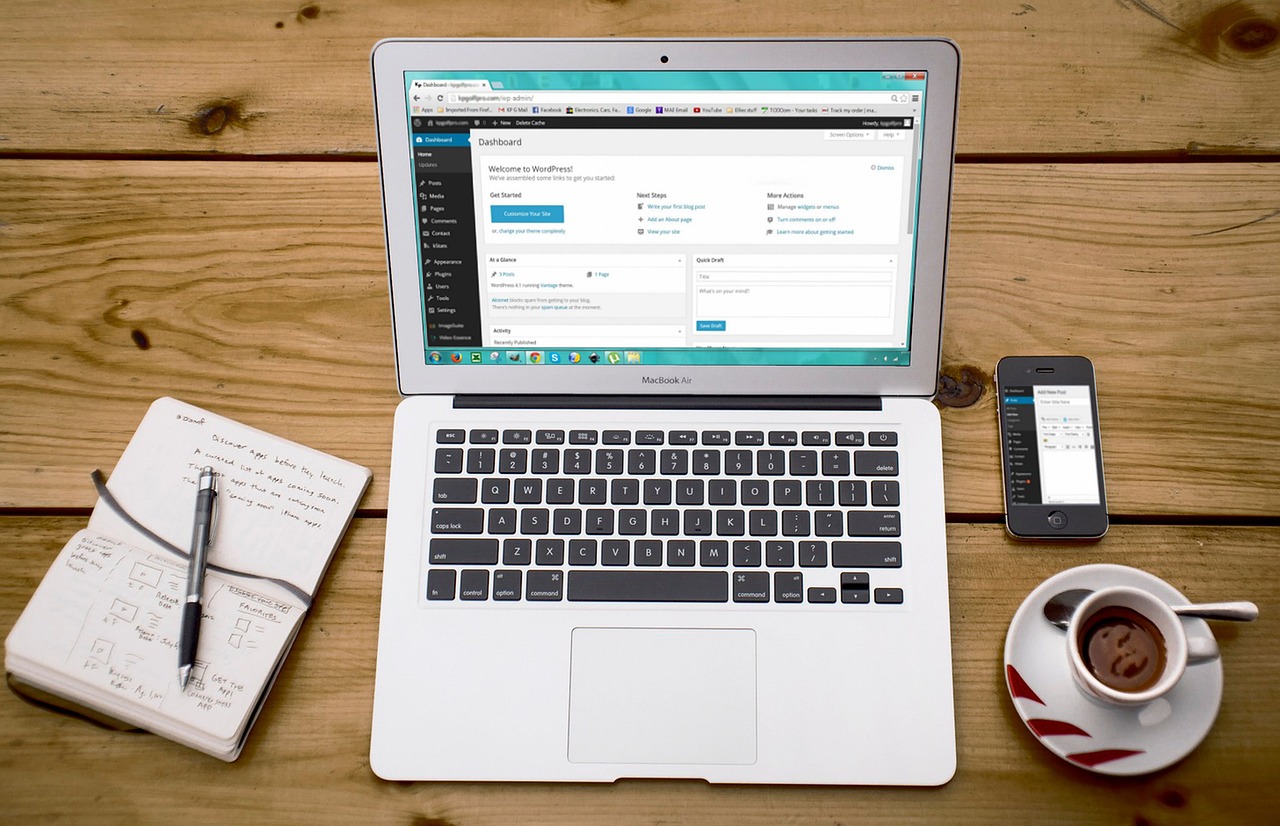
Featured image sourced from Pixabay. Image by bossytutu on Pixabay.
답글 남기기